Dongletown guide
Best USB-C Hubs for Most People
A practical guide to choosing a USB-C hub without accidentally buying nine ports you do not need.
Updated June 1, 2026
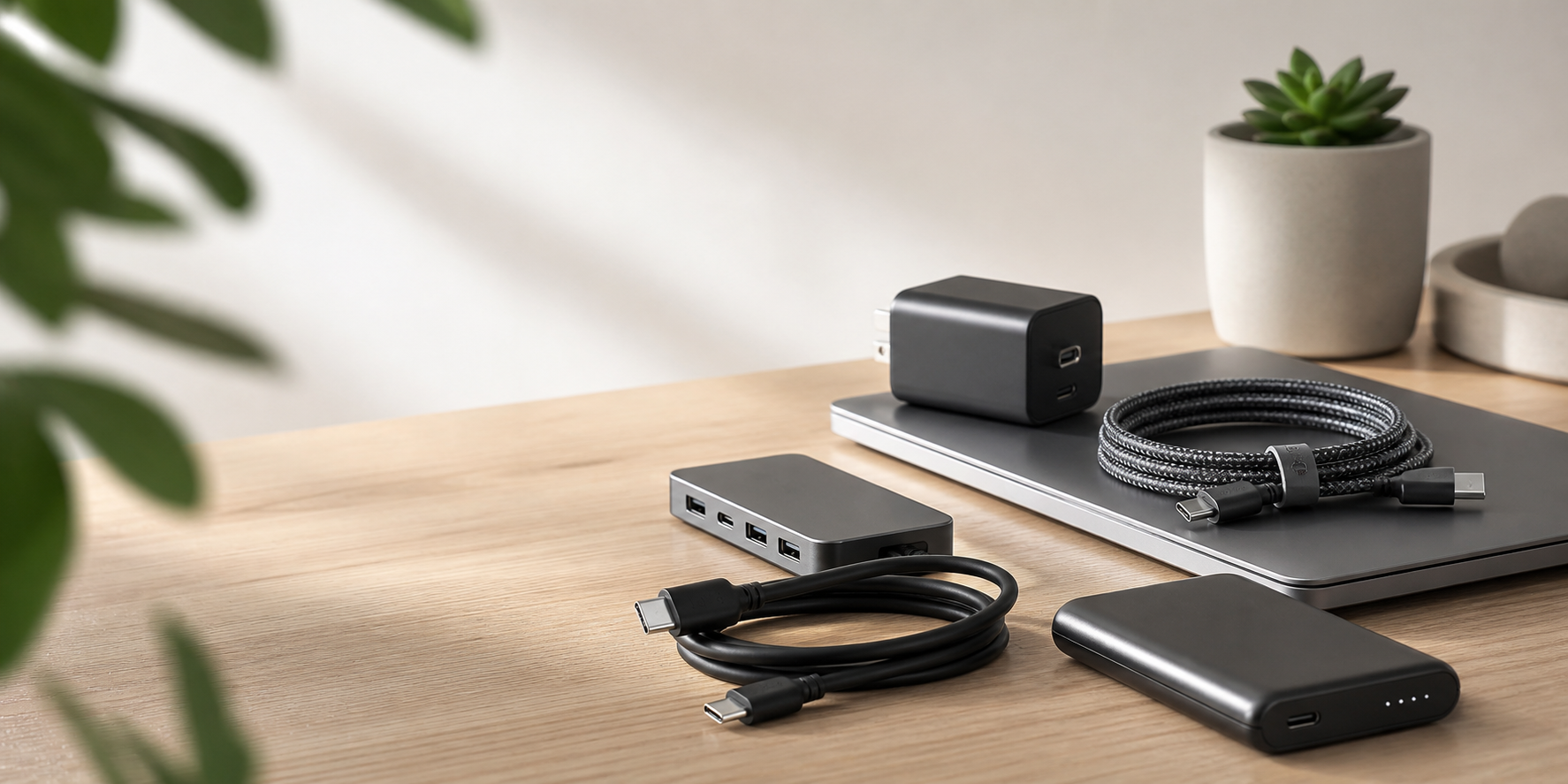
Most people need a USB-C hub because their laptop has fewer ports than their life has obligations. The useful baseline is HDMI, at least two USB-A ports, charging passthrough, and a size that does not make travel annoying.
If you use one external monitor and a few accessories, buy the compact hub. If your desk has Ethernet, multiple displays, and a laptop that lives there most of the week, buy a dock instead.
USB-C is a connector shape, not a guarantee that anything will behave predictably. Check the monitor resolution, refresh rate, charging wattage, and whether your laptop supports the display mode the hub requires.
Recommendations
USB-C District
Best USB-C hub for most people
Best USB-C hub for most people
A practical USB-C hub with HDMI, Ethernet, USB-A, card readers, and charging passthrough.
Current Amazon metadata is unavailable, so this card is using the local fallback.
Check current price on AmazonThunderbolt Infrastructure Bureau
Best command-center dock candidate
Best command-center dock candidate
A premium Thunderbolt dock candidate for serious desk setups with many ports and high-speed expansion needs.
Current Amazon metadata is unavailable, so this card is using the local fallback.
Check current price on Amazon